See your adjustments
Compare the original and adjusted image in the live preview. Zoom in to inspect details. AI previews take additional processing time.
FRAMEFORGE 1.2.0 · BY iHEEL
Bring motion to life. Enhance the image. Slow down the moment. All in one place, on your own computer.
Windows 10 & 11 · 64-bit · Compatible GPU required
 Smoother motion
 AI upscaling
 Slow motion
 Image controls
ONE STUDIO. THREE WAYS TO GO FURTHER.
Choose a workflow below to explore the actual application interface.
Generate intermediate frames with AI to increase the frame rate. Use RIFE 4.6 in Free, or explore additional compatible models in the full edition.
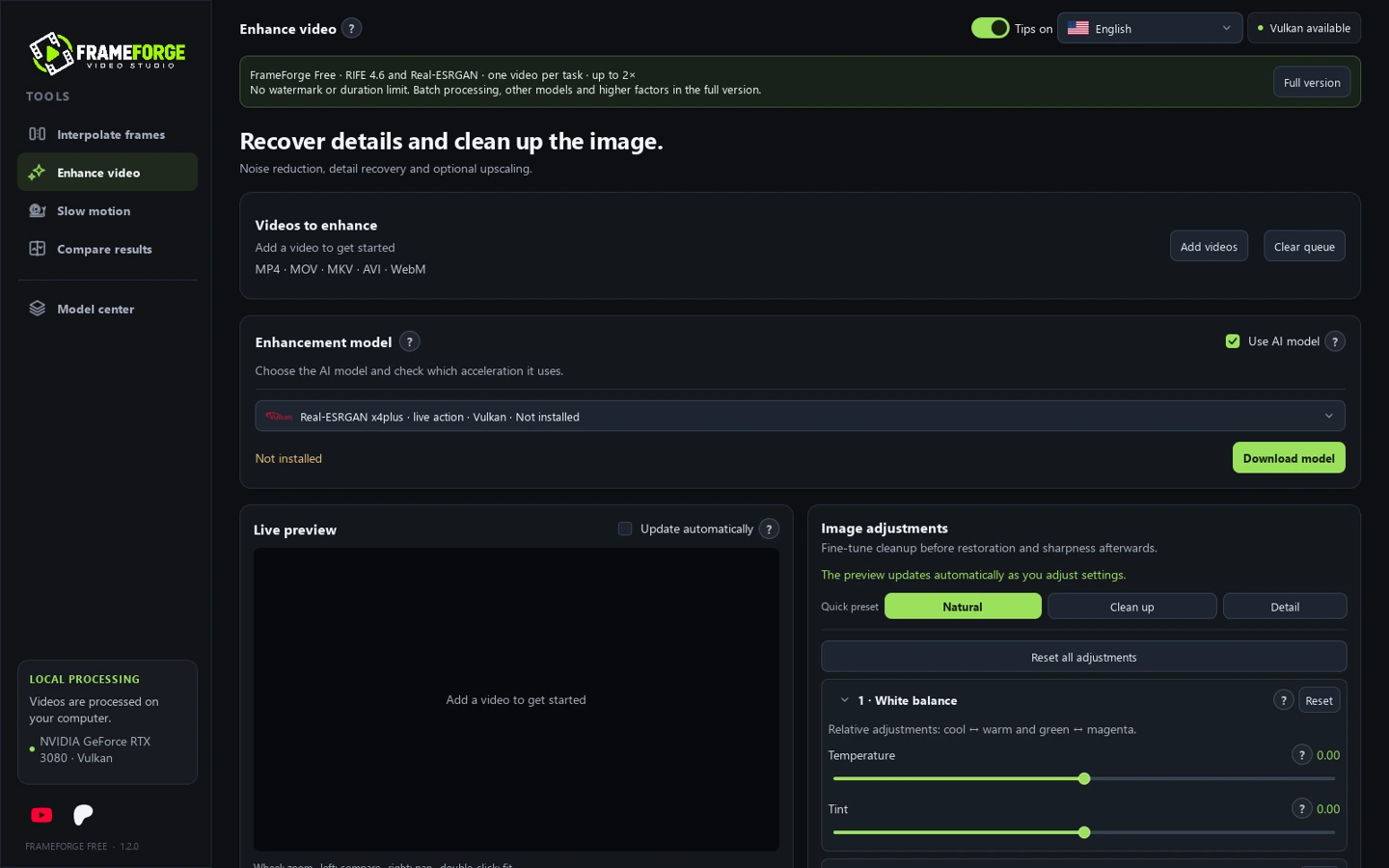
Actual Free edition interface. Screenshots show the workspace, not a simulated before-and-after result.
MORE THAN AN AI MODEL
Refine the image and your workflow before committing to a full export.
Compare the original and adjusted image in the live preview. Zoom in to inspect details. AI previews take additional processing time.
Choose a short clip instead of processing an entire recording. Keep your original files and experiment on a smaller section first.
Choose where extracted frames and temporary files go. Use optional block processing and disk-space protection for longer tasks.
FEEL AT HOME
The application, installer and uninstaller support six languages.
 Português (Brasil)
 English
 Español
 Русский
 Français
 Deutsch
YOUR NEXT STEP
Two editions, the same focus: more control over your video.
THE CORE WORKFLOW
Explore the essentials, without a subscription.
THE EXTENDED WORKFLOW
Available through iHeel’s Patreon membership.
Model availability and supported factors depend on the edition, selected model, hardware and driver. AI models are downloaded separately.
FRAMEFORGE FOR WINDOWS
The full edition is available on Patreon. The public Free download is being prepared.
The Free download will be linked here when its public release is ready.
Release information & bug reports ↗Video processing runs locally on your computer. Internet access is used to download models and their dependencies from third-party hosts. The presentation site does not accept video uploads.
Compatible GPUs can use Vulkan models. Full also offers CUDA models for supported NVIDIA GPUs. Compatibility depends on the exact GPU and driver. Not every GPU has been physically tested; CPU-only AI processing is not included.
No. Choose to download the available packages on first launch or install a model when you need it. Sizes and applicable licenses are shown before downloading.
No. Upscaling and interpolation can introduce artifacts, and results depend on the original footage and settings. Keep your originals and test a short clip before processing a whole video.
The current installer is not digitally signed. Windows SmartScreen may show an unrecognized-app warning. Use the official release links and compare the supplied SHA-256 checksum. A checksum verifies file integrity; it does not replace publisher signing. Do not disable antivirus protection.
Email iheel.support@gmail.com or report a problem on GitHub. Include your edition, app version, GPU, driver and the error text. Do not include private videos or account details.